Notes, tucked into the notch
Quick notes, right where your eyes already are.
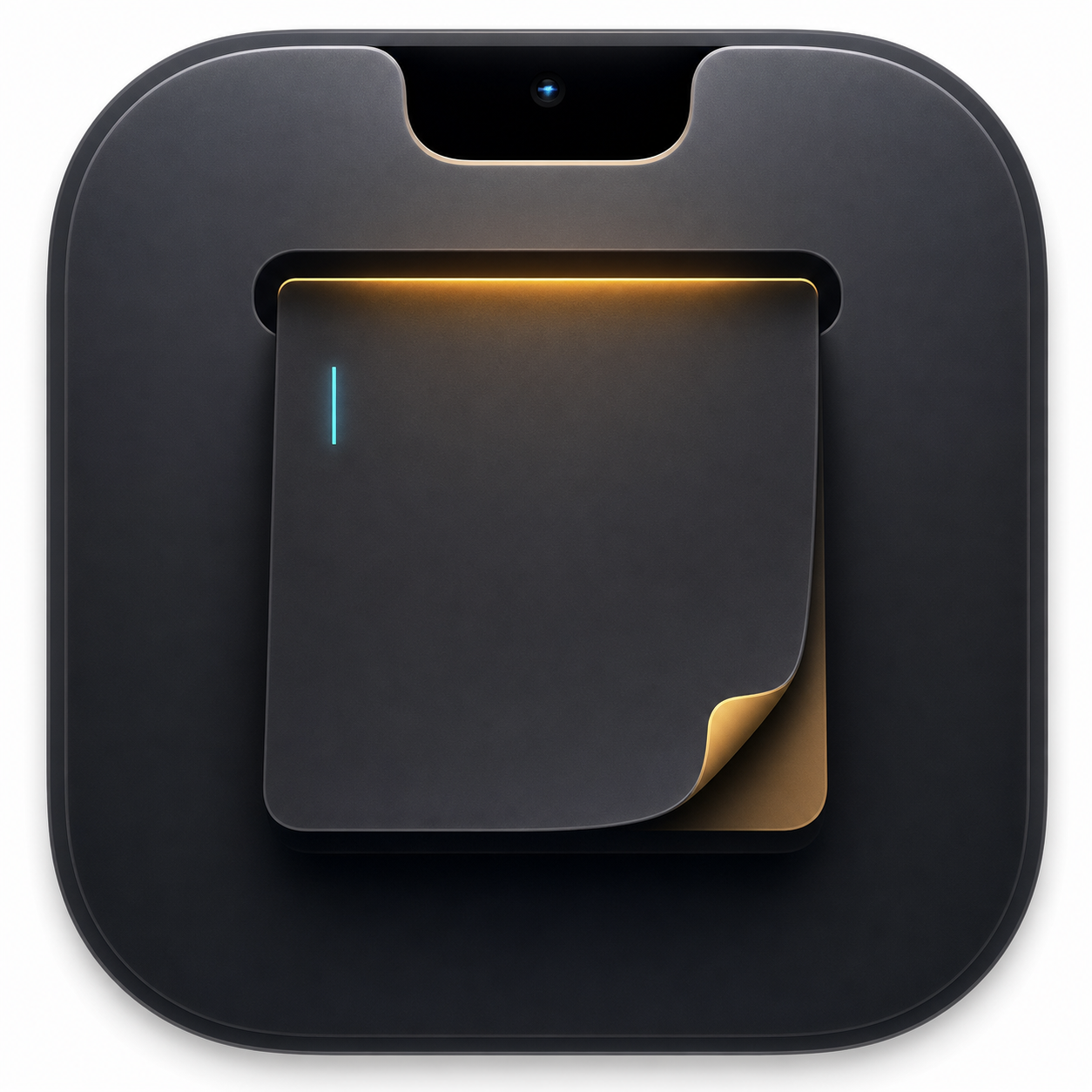
A focused Markdown notebook and file shelf that unfolds from the MacBook notch, with a one-click keep-awake switch.
Apple Silicon + Intel · macOS 14+ · First launch: move to Applications, then right-click Open. If blocked, allow it in Privacy & Security.
Launch todos
- Trim the notch width by 2px.
- Keep the top edge flush with the screen.
- Record a short homepage demo.
Open by hover or click · drag files in and out without moving the originals · tap the coffee cup to keep your Mac awake.